About this product
Live Preview: Explore the Atelier workspace
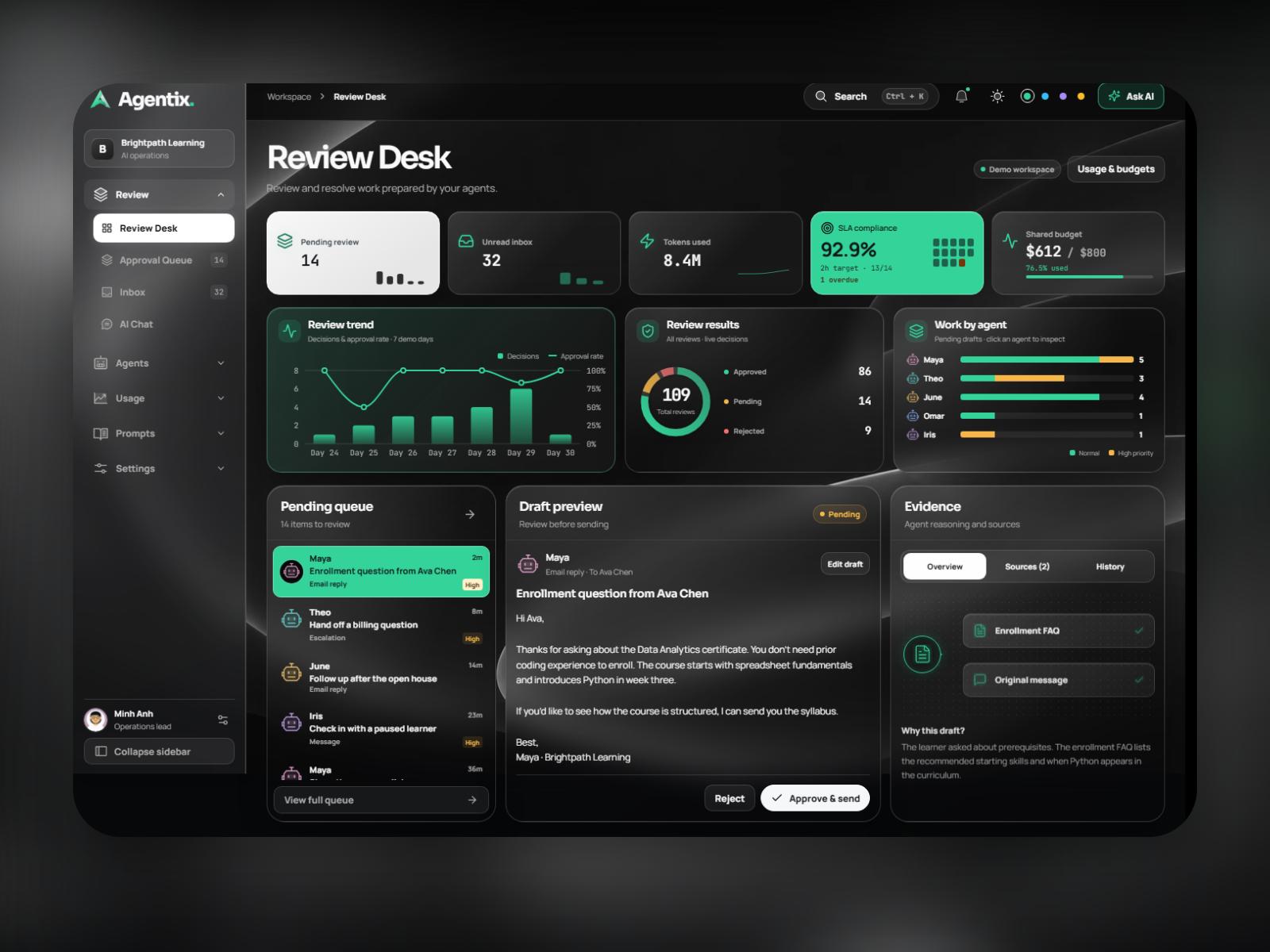
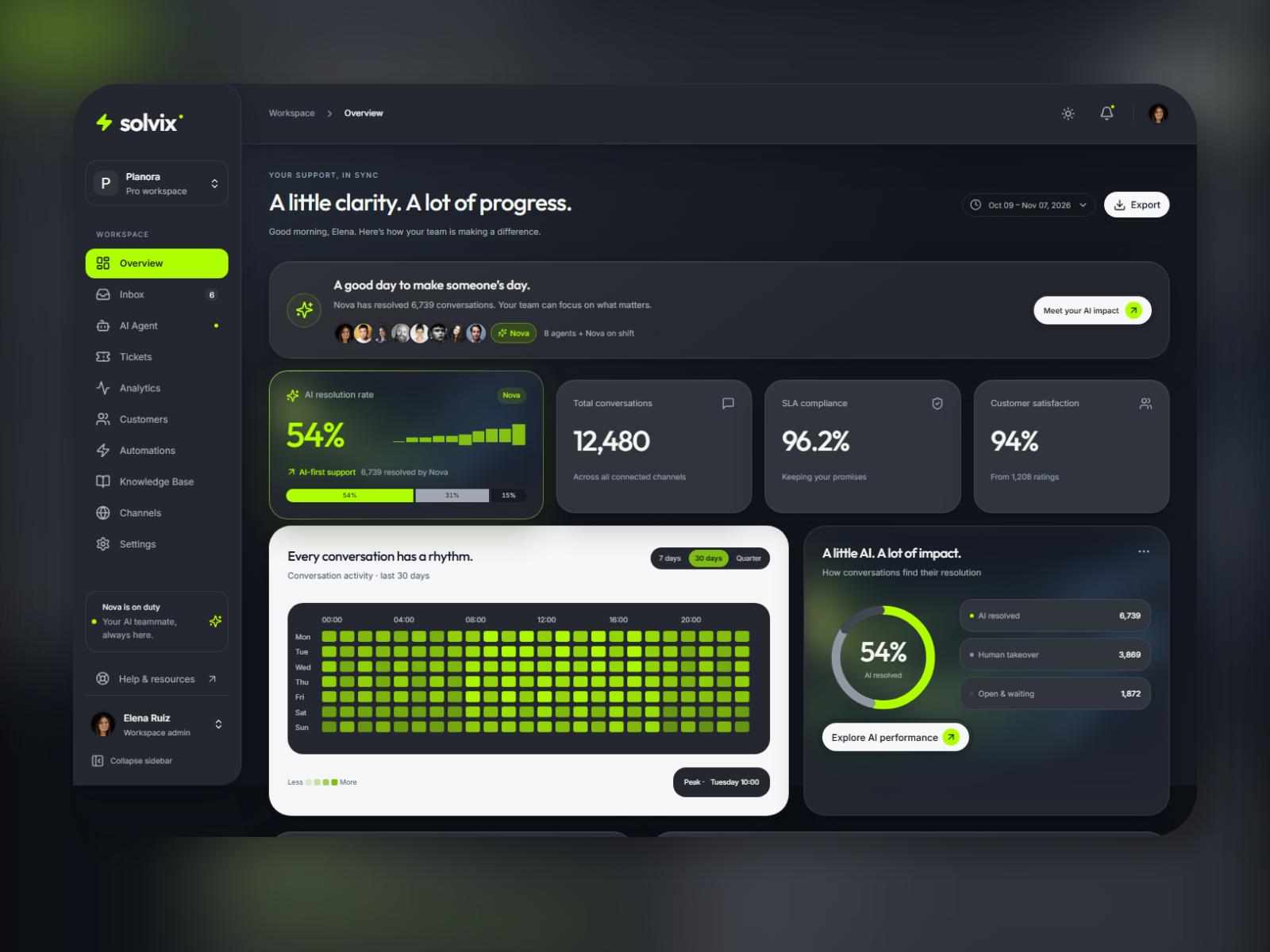
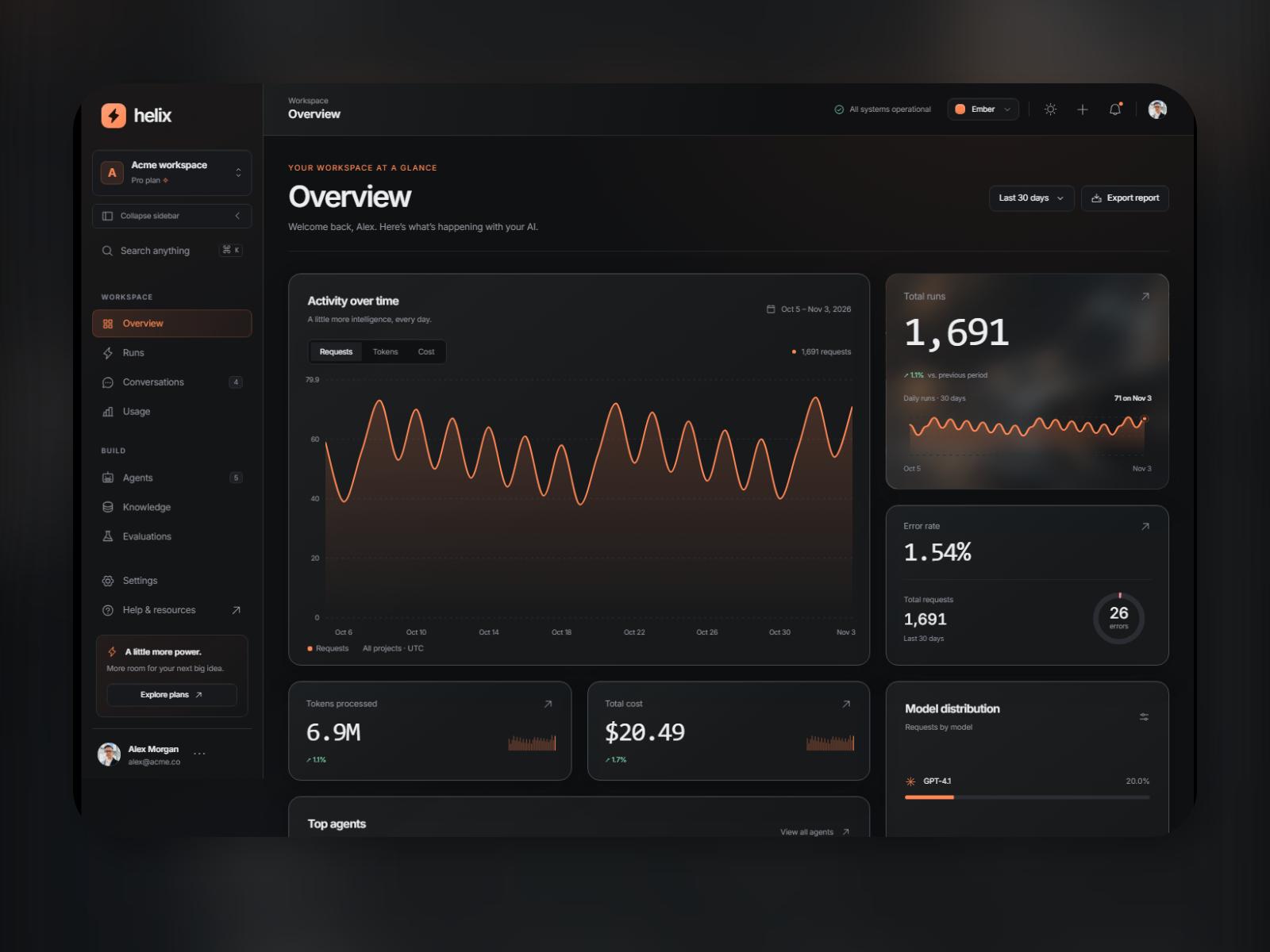
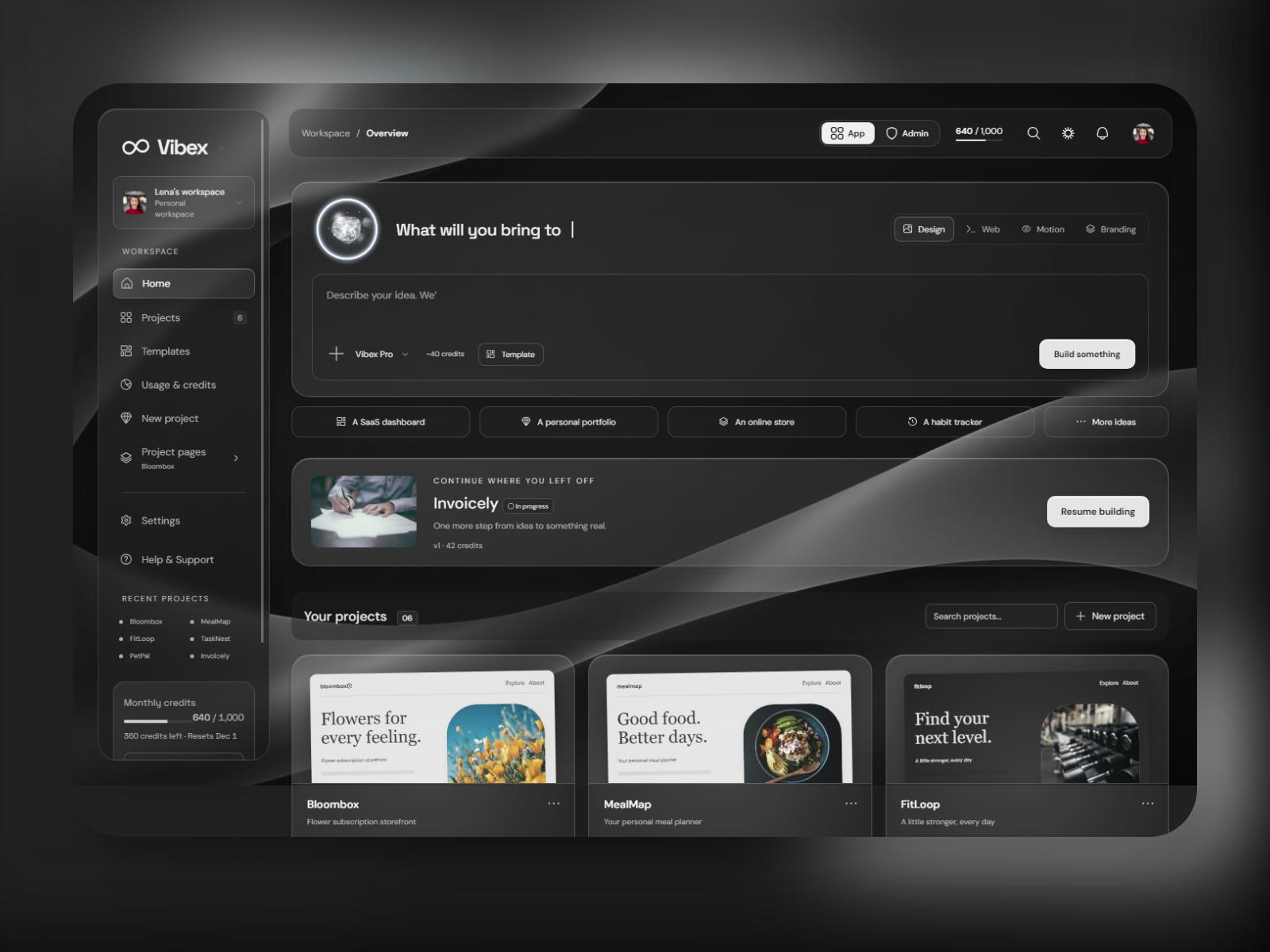
Atelier is a monochrome AI workspace template for products that bring conversations, images, documents and projects into one place. Start from a dashboard that shows workspace activity, move into AI Chat or Image Studio, and organize the results in project detail, the Library or the Document Editor. The package includes 21 named views, a separate component gallery and editable Next.js source code.
Frontend UI · Demo data. Open the live preview to try the workspace before adapting the source to your product.
🎯 Perfect for
- AI SaaS founders building a creative workspace, writing copilot or research interface.
- Frontend developers who want working UI for chat, image workflows, usage analytics and workspace management.
- Product teams and agencies prototyping a client portal or an internal workspace with realistic content and interaction states.
📦 What you get
- The Atelier v1.0.0 source ZIP with the App Router screens, TypeScript data fixtures, shared CSS tokens and bundled demo assets.
- An npm lockfile, a buyer README, setup and customization guidance, and the Atelier commercial license.
- A ready-to-serve static export in
out/, a Node preview script and a Windows preview shortcut. - A component gallery with controls and interface states you can reference while extending the workspace.
🧭 Inside the workspace
Create and organize
- Dashboard includes recent work, credit balance and activity charts.
- AI Chat includes conversation search, model selection, streamed sample replies, stop, regenerate and copy actions.
- Image Studio includes aspect-ratio controls, a gallery, favorites and local image editing tools. Image generation uses simulated output.
- Projects and Project Detail bring related conversations, files and members together. Use the project filters to find work by status or favorites.
Reuse knowledge and content
- Knowledge Base organizes file, web and text sources with search, source filters and demo sync states.
- Library includes file filters, storage summaries and metadata upload. Prompt Library and Templates provide reusable starting points.
- Document Editor and Version History show how to revise content and review saved versions in the browser.
Manage the workspace
- Team includes member search, roles and invitation states. Billing includes credit balance, top-up previews and sample PDF invoices.
- Usage Analytics shows model, token, member and project usage. Settings groups General, Notifications and Security, and Help Center adds searchable guidance.
Public and shared views
- Landing, Pricing, Sign in and Sign up cover the public entry screens. Components provides UI examples inside the workspace.
- The separate Gallery, Command menu and Notifications panel complement the 21 named views.
🎨 Appearance and customization
Atelier uses light and dark monochrome themes, frosted glass panels and a WebGL dashboard sculpture. It includes responsive layouts, keyboard navigation, focus styles and reduced-motion support. Change shared colors and surfaces in styles/tokens.css, then replace the typed fixtures in data/. Inter and the bundled demo images are served locally.
🛠 Tech stack
Built with Next.js 16.4.5 (App Router), React 19.3.1, TypeScript 5.9.3 and Tailwind CSS 4.3.4. Recharts powers the charts, Motion powers UI transitions, Radix Dialog provides dialogs, cmdk provides command search, and Phosphor provides icons. The included lockfile records the resolved dependency versions.
🚀 Getting started
- Install Node.js 20.9 or newer with npm and extract the source ZIP.
- Open a terminal beside
package.jsonand runnpm ci, thennpm run dev. - Run
npm run typecheckto check TypeScript andnpm run buildto regenerate the static export. - Run
npm run previewor openSTART-PREVIEW.cmdon Windows to serve the export locally. The preview defaults to port 3100.
ℹ️ Demo scope
AI responses and image generation are simulated. Uploads retain metadata only. Demo changes live in the current browser, and historical analytics use sample data. Sign-in, payments and invitations are interface flows. A production setup requires your own AI providers, authentication, payments, database and storage.
❓ Frequently asked questions
Is this a Framer or Figma template?
Atelier is an editable Next.js and React code template. The download is a source ZIP.
Can I use it in a client project?
Yes. One purchase covers unlimited end products for your own projects and your clients' projects. You may modify the design and code and use it in commercial client work. You may not redistribute, resell, share or sublicense the template or its source files, or use them to create a competing template, UI kit or component library.
Can I preview it before installing dependencies?
Yes. Try the live demo above or serve the included out/ folder over HTTP with the Node preview script.
Where do I change the theme and demo data?
Use styles/tokens.css for shared appearance and data/ for typed sample content. The buyer README covers setup and customization.
📄 License & Support
License — One purchase covers unlimited end products, yours and your clients'. Use it in client work, change the design, ship it as part of your products. You may not redistribute, resell, or share the template itself, in whole or in part.
Updates — all v1.x updates free. Support — bugs and setup, within 2 business days.
Live preview
Open the live workspace to try the interface and sample flows.
🏷 Tags
AI workspace, AI chat UI, Image Studio, SaaS dashboard, Next.js template, React dashboard, TypeScript UI kit, Tailwind CSS, workspace analytics, dark mode, monochrome glass.
Included screens / pages
- Dashboard and AI Chat
- Image Studio, Projects and Project Detail
- Knowledge Base, Library, Prompt Library and Templates
- Document Editor and Version History
- Team, Billing, Usage Analytics, Settings and Help Center
- Landing, Pricing, Sign in, Sign up and Components
UI interactions
- Streaming demo chat, stop, regenerate and copy
- Command search, notifications and theme switching
- Image generation demo, library filters and document revisions
What you get
- app/, styles/, data/ and lib/
- public/ local images, fonts and demo assets
- out/ static export
- README, LICENSE, lockfile and preview scripts
FAQ
Does Atelier include a backend? Atelier includes frontend UI and demo data.
Can I customize both themes? Yes. Edit the shared palette in styles/tokens.css.
Can I use it for a client project? Yes. One purchase covers unlimited end products for your own projects and your clients' projects. You may modify the design and code and use it in commercial client work. You may not redistribute, resell, share or sublicense the template or its source files, or use them to create a competing template, UI kit or component library.
Version 1.0.0 · Updated